
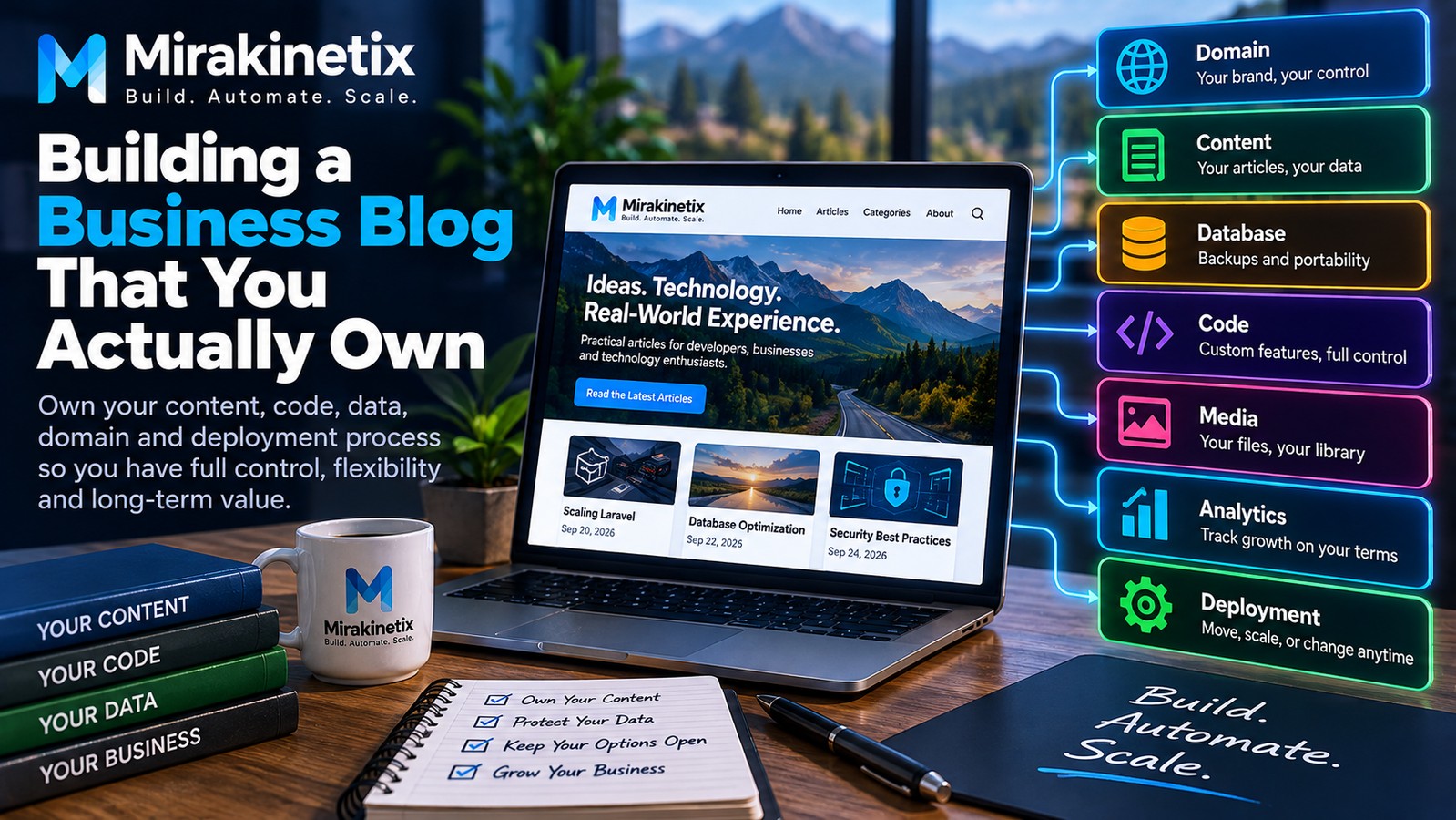
A business blog is easy to start.
Choose a platform, select a theme, connect a domain, publish a few articles, and you are live.
The difficult question comes later:
Do you actually own the platform you have built your business on?
Your blog can become one of your most valuable digital assets. Over time, it can generate organic traffic, attract customers, establish expertise, support your products and services, and create a library of content that continues working for your business.
But that value depends on how the platform is designed.
If your content, data, URLs, code, analytics, and publishing workflow are tightly tied to a single provider, moving away can become expensive and complicated.
True ownership is not about avoiding every third-party service.
It is about making sure your business remains in control.
What Does It Mean to Own Your Blog?
Owning a blog means having control over the important parts of the system.
That includes:
Your domain
Your content
Your database
Your source code
Your media
Your URLs
Your SEO data
Your analytics
Your advertising configuration
Your deployment process
Your backups
Your infrastructure
You can still use cloud hosting, CDNs, managed databases, email providers, analytics platforms, and other external services.
The key difference is between using a service and being permanently dependent on it.
If you can replace a provider without losing your business's digital history, you have much greater control.
Own Your Domain
Your domain is one of the most important assets connected to your website.
The domain should be controlled by you or your business, not effectively controlled by your hosting provider or developer.
You should have:
Your own registrar account
Strong authentication
Domain renewal protection
Control over DNS
Recovery access
Proper ownership records
If you change hosting providers tomorrow, your domain should remain completely under your control.
Your website may move.
Your domain should not.
Own Your Content and Database
Your articles represent intellectual property and accumulated business value.
That content should not exist only as pages inside a proprietary platform.
You should be able to retain and export information such as:
Article titles
Slugs
Content
Categories
Tags
Authors
Publication dates
SEO metadata
Featured images
Image metadata
Internal links
The underlying database matters just as much as the visible website.
A backup that can only be restored inside one specific platform provides less flexibility than data that can be independently backed up, exported, and restored.
Own the Code
For businesses that need flexibility, controlling the application code can be a major advantage.
Your own application can give you control over:
Content workflows
Authentication
APIs
Templates
Integrations
Advertising
Analytics
Security
Performance
Deployment
Frameworks such as Laravel make it possible to build a modern blogging platform without tying the application's core functionality to a particular hosted CMS.
This does not mean every business needs a custom CMS.
It means that when custom requirements matter, you should understand who controls the software those requirements depend on.
Avoid Vendor Lock-In
Vendor lock-in happens when replacing a service becomes unnecessarily difficult.
It can occur with:
Hosting
CMS platforms
Page builders
Analytics
Email services
Advertising platforms
Media storage
Databases
Authentication systems
Using third-party services is normal.
The problem is allowing one provider to become a single point of dependency for your entire digital business.
Before adopting a service, ask:
“If I had to replace this provider next year, how difficult would migration be?”
If the answer is extremely difficult, that dependency deserves careful consideration.
Use Git as the Source of Truth
For developer-controlled platforms, Git provides an important foundation for ownership and repeatability.
Application code, migrations, configuration templates, deployment scripts, and infrastructure-related configuration can be version controlled.
This provides:
Complete change history
Rollbacks
Code review
Collaboration
Reproducible deployments
Easier disaster recovery
It also reduces the risk of making undocumented changes directly on a production server.
The production server should not become the only place where important changes exist.
Separate Content From Presentation
Your content should not be permanently tied to a particular visual design.
A good architecture separates:
Content
from
Presentation
An article should contain its actual information and metadata rather than depending on hundreds of theme-specific formatting decisions.
This makes redesigns much easier.
You should be able to change the design of your blog without having to rebuild years of published content.
Structured content also makes it easier to expose the same information through APIs, mobile applications, different themes, or other future interfaces.
Build a Migration Path Before You Need One
Migration is easiest when you do not urgently need it.
Your platform should provide a clear way to export important information.
For example:
Articles
Categories
Tags
Authors
Media
SEO metadata
URLs
Publication dates
You should know where this information lives and how it can be extracted.
A migration plan does not mean you are planning to leave your current platform.
It means you are making sure that leaving remains an option.
That distinction becomes extremely important when your blog has accumulated years of content and search traffic.


