
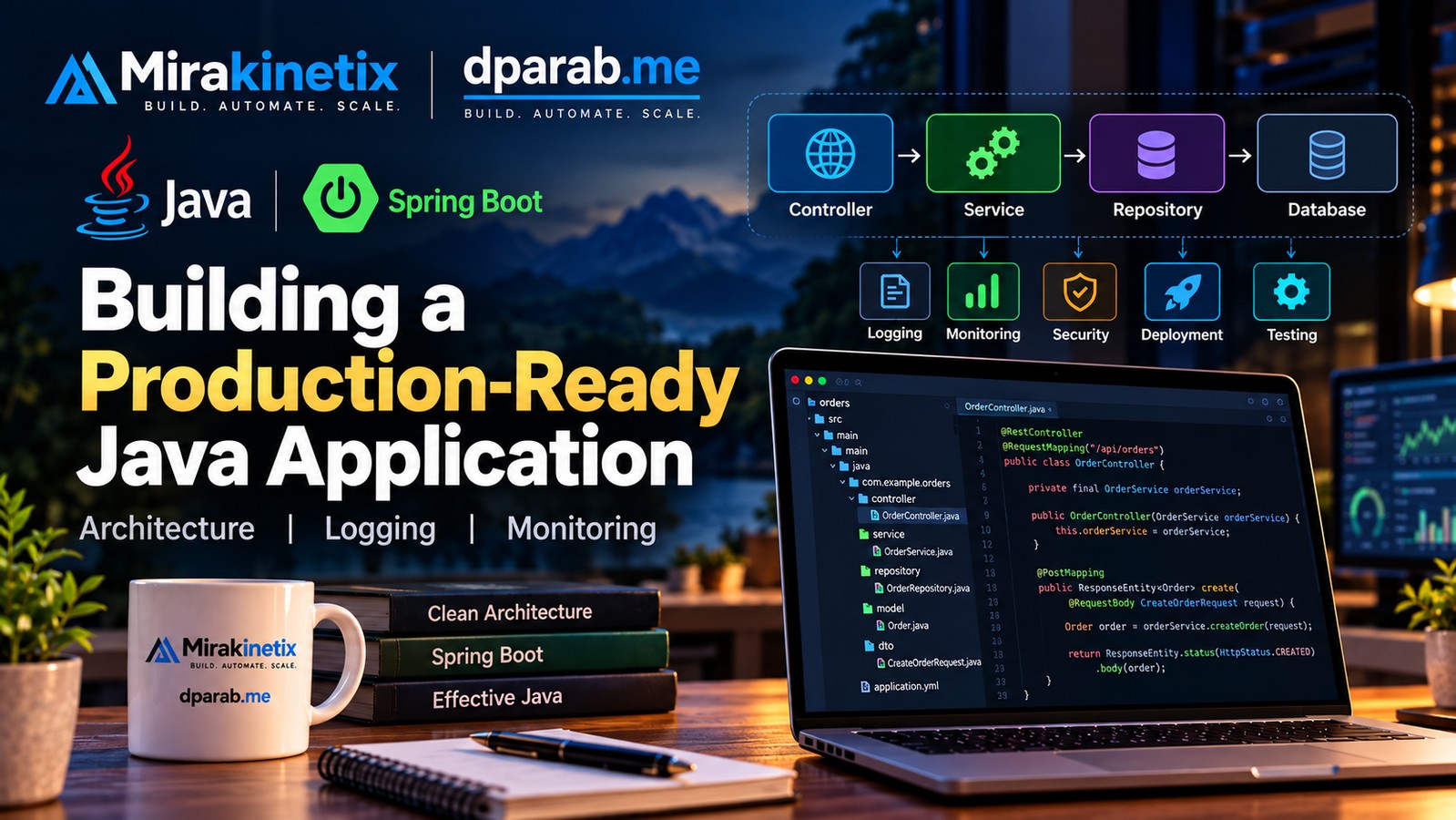
Java is widely used for backend systems that need reliability, maintainability, and scalability. But writing an application that works locally is very different from building one that can run reliably in production.
A production-ready Java application needs more than business logic. Architecture, configuration, logging, error handling, database performance, monitoring, security, testing, and deployment all matter.
Start With a Clear Architecture
A simple backend structure can separate responsibilities like this:
Request → Controller → Service → Repository → Database
The controller handles HTTP requests and responses. The service layer contains application and business logic, while the repository handles persistence.
This separation makes the application easier to understand, test, and maintain.
Practical Spring Boot Example
Spring Boot provides a practical way to implement this architecture.
Suppose we are building an Order API.
The structure could look like:
src/main/java/com/example/orders/

├── controller/
│   └── OrderController.java
├── service/
│   └── OrderService.java
├── repository/
│   └── OrderRepository.java
├── model/
│   └── Order.java
└── dto/
    └── CreateOrderRequest.java
The controller handles HTTP requests:
@RestController
@RequestMapping("/api/orders")
public class OrderController {

    private final OrderService orderService;

    public OrderController(OrderService orderService) {
        this.orderService = orderService;
    }

    @PostMapping
    public ResponseEntity<Order> create(
            @RequestBody CreateOrderRequest request) {

        Order order = orderService.createOrder(request);

        return ResponseEntity.status(HttpStatus.CREATED)
                .body(order);
    }
}
The service contains the business logic:
@Service
public class OrderService {

    private final OrderRepository orderRepository;

    public OrderService(OrderRepository orderRepository) {
        this.orderRepository = orderRepository;
    }

    public Order createOrder(CreateOrderRequest request) {

        Order order = new Order();
        order.setCustomerId(request.customerId());
        order.setAmount(request.amount());

        return orderRepository.save(order);
    }
}
And the repository handles persistence:
@Repository
public interface OrderRepository
        extends JpaRepository<Order, Long> {
}
The important point is not the amount of code. It is the separation of responsibilities.
If order creation later requires inventory checks, payment processing, or additional business rules, that logic can remain in the service layer rather than turning the controller into a large block of application code.
Keep Controllers Thin
Avoid putting database queries, complex business rules, calculations, and external API calls directly inside controllers.
A cleaner approach is:
Controller
    ↓
Service
    ↓
Repository
    ↓
Database
This keeps responsibilities clear and allows business logic to be reused and tested independently.
Externalize Configuration
Production configuration should not be hard-coded into the application.
Typical configuration includes:
Database connection details
External service URLs
API keys
Application ports
Connection pool settings
Logging configuration
Environment-specific configuration allows the same application to move through development, testing, staging, and production without changing the source code.
Sensitive credentials should be supplied securely and should never be committed to Git.
Logging Is Essential
When something fails in production, developers need enough information to understand what happened.
Useful logs should answer:
What happened?
When did it happen?
Which operation was running?
Which component failed?
Which request or transaction was involved?
Spring Boot applications can use a logging framework such as SLF4J with an appropriate logging implementation.
For example:
private static final Logger log =
        LoggerFactory.getLogger(OrderService.class);

log.info("Creating order for customer {}", request.customerId());
Use appropriate log levels such as INFO, WARN, and ERROR.
Avoid logging passwords, authentication tokens, API secrets, or sensitive personal information.
Handle Exceptions Properly
Failures are normal in production.
A database can become unavailable. An external API can time out. A request can contain invalid data.
Do not silently ignore exceptions.
Instead, handle failures deliberately, log useful diagnostic information, and return consistent API responses.
For example:
{
    "error": "ORDER_NOT_FOUND",
    "message": "The requested order was not found"
}
Spring Boot applications can centralize API error handling using mechanisms such as @RestControllerAdvice, keeping controllers focused on normal request processing.
Pay Attention to Database Performance
The database is often one of the first places where performance problems appear.
Important areas include:
Connection pooling
Proper indexes
Query optimization
Slow-query monitoring
Transactions
Avoiding N+1 queries
For example, loading a list of customers and then executing another query for every customer can create hundreds of unnecessary database queries.
Measure database behavior instead of assuming that application code is efficient.
Treat External Services as Unreliable
Modern applications commonly depend on payment providers, email services, authentication systems, and third-party APIs.
These services can become slow or unavailable.
Configure sensible:
Connection timeouts
Read timeouts
Retry limits
Backoff strategies
Retries should also be used carefully. Aggressive retries can increase traffic against an already struggling service.
Monitor the Application
Logs tell you what happened. Metrics help you understand how the system is behaving.
Useful application metrics include:
Request rate
Response time
Error rate
CPU usage
Memory usage
Database latency
Queue depth
Java applications also require JVM-level monitoring.
Important JVM metrics include:
Heap usage
Garbage collection
Thread counts
CPU consumption
Monitoring helps identify problems before they become major production incidents.
Add Health Checks
A production application should provide a reliable way to determine whether it is healthy.
Health checks can verify:
Application availability
Database connectivity
Redis or cache availability
Queue connectivity
Critical external dependencies
A load balancer can use health information to avoid sending traffic to an unhealthy application instance.
Centralize Logs
When an application runs on multiple servers, checking log files individually becomes difficult.
For example:
Load Balancer
     |
     +---- Java Server 1
     +---- Java Server 2
     +---- Java Server 3
Centralized logging allows engineers to search events across the entire environment.
Request or correlation IDs are also useful for tracing a request through multiple components.
Make Deployment Repeatable
Production deployment should not depend on someone remembering a series of manual commands.
A simple deployment pipeline can be:
Git
 ↓
Build
 ↓
Test
 ↓
Package
 ↓
Deploy
 ↓
Health Check
 ↓
Monitor
Automated deployments reduce human error and make releases more predictable.
A rollback strategy is equally important. When a deployment introduces a serious problem, the team should know how to safely return to the previous version.
Build for Failure
Production systems eventually experience failures.
Ask practical questions:
What happens if the database becomes unavailable?
What happens if Redis fails?
What happens if an external API times out?
What happens if one application server crashes?
The answers should be part of the architecture.
Graceful shutdown is another important consideration. During deployment or infrastructure maintenance, the application should stop accepting new work and safely finish or hand off existing operations where possible.
Security Is Part of Production Readiness
Security should be considered throughout development rather than added immediately before deployment.
Important areas include:
Authentication
Authorization
Input validation
Secure password handling
SQL injection prevention
HTTPS
Rate limiting
Secrets management
Dependency updates
Secure logging
Access control
Dependencies should also be reviewed regularly because third-party libraries can introduce security vulnerabilities or compatibility problems.
Test Before Production
Production should not be the first environment where important functionality is tested.
Depending on the application, useful testing layers include:
Unit Tests
    ↓
Integration Tests
    ↓
API Tests
    ↓
End-to-End Tests
Automated testing gives developers greater confidence when changing existing functionality or deploying new releases.
Production Readiness Checklist
Application
Clear architecture
Thin controllers
Business logic separated from infrastructure
Consistent error handling
Externalized configuration
Database
Connection pooling configured
Indexes reviewed
Slow queries monitored
Transactions used where required
Backup and recovery strategy defined
Operations
Structured logging
Centralized logs
Health checks
JVM monitoring
Application metrics
Appropriate alerts
Deployment
Automated build
Automated tests
Repeatable deployment
Rollback strategy
Graceful shutdown
Final Thoughts
A production-ready Java application is more than code that compiles successfully.
It needs clear architecture, reliable database access, useful logging, predictable error handling, security, testing, monitoring, and repeatable deployment.
Spring Boot makes it straightforward to build the application structure, but production reliability still depends on the engineering practices around the framework.
Start with solid fundamentals, measure real problems, and introduce additional infrastructure when the application actually needs it.
Build simple. Monitor what matters. Automate deployments. Design for failure. Keep improving.


