
Building software is one thing. Making it reliable, usable, and trustworthy is an entirely different responsibility.
Over the years, I've written about software engineering, databases, security, architecture, and the importance of practical experience.
But I also believe that engineering knowledge should translate into something useful.
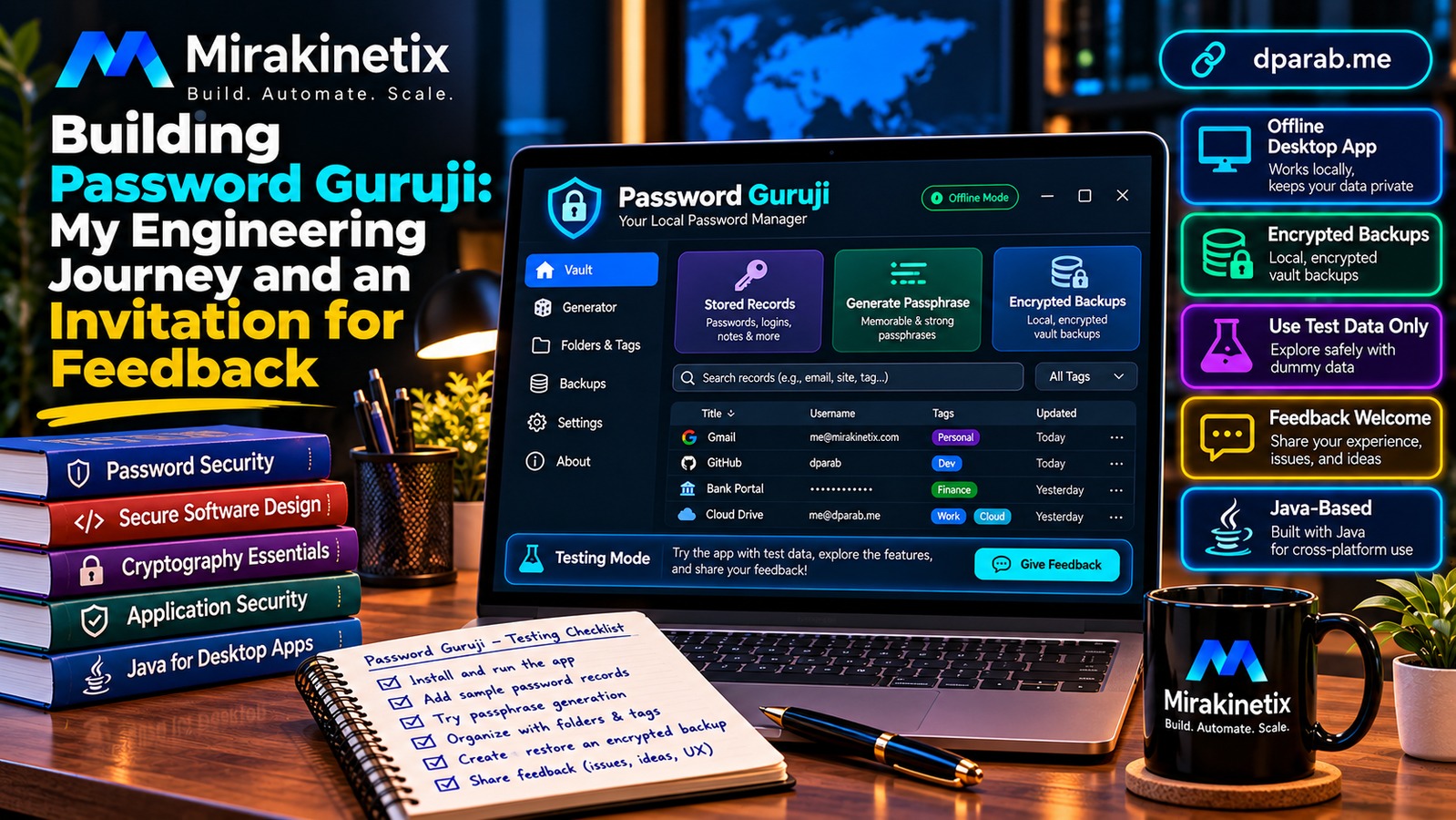
That is one of the reasons I've been working on Password Guruji, a Java-based, offline-first desktop password manager and encrypted personal vault.
This article is not a product launch announcement. The application is still being tested and improved.
Instead, I want to share why I started building it, some of the engineering decisions involved, what I've learned, and why I'm looking for people willing to test it and offer constructive feedback.
Why Password Guruji?
Passwords have become an unavoidable part of our digital lives.
Email accounts, banking applications, developer platforms, business systems, and countless online services all require credentials.
Ideally, every account should have a strong, unique password. But remembering dozens of complex passwords is neither practical nor necessary when suitable password-management tools are available.
I wanted to explore building a desktop application that would help people manage passwords and other sensitive information while keeping control of their own data.
My initial objectives were straightforward:
Keep vault operations local, without requiring an online account.
Support strong, unique password generation.
Organise credentials and other important records.
Provide encrypted local storage and backup options.
Keep the application practical and understandable.
I decided to build it using Java, with a desktop interface and an offline-first approach.
The aim was not to reinvent every concept behind password management. It was to apply my understanding of software development to a real problem and build something I could continue improving.
From an idea to a working desktop application
Password Guruji has gradually developed into more than a basic password generator.
The current application includes an encrypted personal vault, password and passphrase generation, support for different record categories, folders, tags, searching, record history, and encrypted backups.
It also supports locally generated time-based one-time passwords (TOTP) for stored accounts.
The interface is built with Java Swing, and the application uses Java's cryptographic capabilities for encrypted vault storage.
But implementing individual features is only one part of developing a dependable application.
The more interesting engineering questions emerge when those features begin interacting with one another.
What happens if two application instances try to modify the same vault?
What happens if saving a record fails halfway through?
How should the application behave when a user locks the vault while another dialog is open?
Could exporting information accidentally overwrite an important file?
How should copied passwords be handled when the clipboard belongs to another application?
These questions forced me to look beyond whether a feature simply worked under ideal conditions.
The engineering work that isn't immediately visible
A user might see a password manager as a straightforward application: unlock a vault, find a credential, copy it, and continue working.
Behind that workflow are decisions about data integrity, file operations, encryption, error handling, and application behaviour.
During development, attention has gone into areas such as preventing conflicting saves, protecting existing vault files, validating imported data, handling encrypted backups, and managing clipboard contents.
For example, imagine two instances of the application accessing the same vault. Without appropriate safeguards, an older version of a record could overwrite a newer one.
Or consider a backup operation. Creating a backup is useful, but it must not accidentally replace the original vault or another important file.
These are not necessarily the features that attract attention in screenshots. Yet they are important parts of responsible application development.
This experience reinforces something I have learned throughout my career:
A feature working successfully is not the same as a system being reliable.
Testing is more than getting a green result
Password Guruji has undergone automated testing and iterative improvements.
The development repository contains tests and build workflows covering Windows, Linux, and macOS environments.
Recent engineering work has also focused on identifying and correcting weaknesses in file handling, concurrent access, backup operations, clipboard behaviour, and data validation.
That progress is encouraging.
However, automated tests are only part of the picture.
They can verify expected behaviour and help prevent known problems from returning. But they cannot always reveal how someone unfamiliar with the application will experience it.
A button might work perfectly and still confuse a user.
A workflow may make complete sense to its developer but feel unnecessarily complicated to someone trying it for the first time.
An installer may behave correctly in a controlled environment but encounter difficulties on a different computer.
These are areas where human testing becomes particularly valuable.
And because Password Guruji handles sensitive information, I also recognise that automated functional tests do not replace independent security assessment.
One challenge I keep encountering: Finding testers
Over the years, I have encountered a recurring difficulty with software projects.
Finding people willing to test an application can be surprisingly difficult.
As developers, we spend considerable time building features, fixing errors, and validating our own work. But there comes a point when we need someone who has never used the application before.
Someone who doesn't know which button to press next.
Someone who follows a completely different workflow.
Someone who encounters an issue we never anticipated.
That perspective is difficult to reproduce when you've spent months understanding every part of the application yourself.
I don't expect everyone to become a software tester.
But even 10–15 minutes of thoughtful feedback from someone approaching the application for the first time can be valuable.
It may reveal a confusing interaction, an installation issue, an accessibility problem, or an unexpected error.
And sometimes, a simple suggestion can improve an application more than another complicated feature.
An invitation to developers, testers, and technology enthusiasts
This is where I would appreciate support from the community.
I'm looking for people interested in helping evaluate Password Guruji as its testing builds become available.
You don't need to be a professional security researcher or an experienced software architect.
Developers, QA professionals, desktop software users, and people interested in application usability can all contribute different perspectives.
I'm particularly interested in feedback about installation, navigation, ease of use, unexpected behaviour, and features that could be simplified.
One important request: please use fictional credentials and disposable test data only.
Password Guruji is currently a testing-stage project. It has not undergone an independent security audit and is not intended for storing real credentials at this stage.
The exact testing build and instructions will be shared only after the required verification and distribution approval.
If you're interested, you can explore the public GitHub repository and its documentation.
For ordinary reproducible bugs, GitHub issues are appropriate. Potential security vulnerabilities should be reported privately rather than disclosed in public issues.
Building in public means being willing to improve
I'm not presenting Password Guruji as a perfect application.
I've built it using my experience, the knowledge available to me, and an engineering process that continues to evolve.
I know there will be opportunities to improve it.
There may be design choices worth reconsidering, usability issues I haven't noticed, or situations my existing tests don't adequately cover.
And I'm willing to listen.
Constructive criticism is valuable because it helps us recognise things we might otherwise overlook.
After many years in software development, I still believe there is always something new to learn.
Final thoughts
Password Guruji is one of the practical software projects I've been working on, and I want to continue improving it through testing, feedback, and careful engineering.
I'm sharing it because I believe software development should involve more than building features and declaring success.
It should involve questioning our assumptions, examining our decisions, identifying weaknesses, and learning from the people who use what we build.
I am not looking for praise. I'm looking for honest feedback that can help make the application better.
If you are interested in participating, exploring the code, or offering constructive suggestions, I would genuinely appreciate hearing from you.
Because ultimately, building software is not just about what we know.
It's also about being willing to learn what we don't.
Project references
GitHub repository: https://github.com/mirakinetix/Password-Guruji
Testing documentation: https://github.com/mirakinetix/Password-Guruji/blob/main/documentation/CROSS-PLATFORM-BETA.md
Contributing guidelines: https://github.com/mirakinetix/Password-Guruji/blob/main/CONTRIBUTING.md
Release readiness: https://github.com/mirakinetix/Password-Guruji/blob/main/documentation/RELEASE-READINESS.md


