
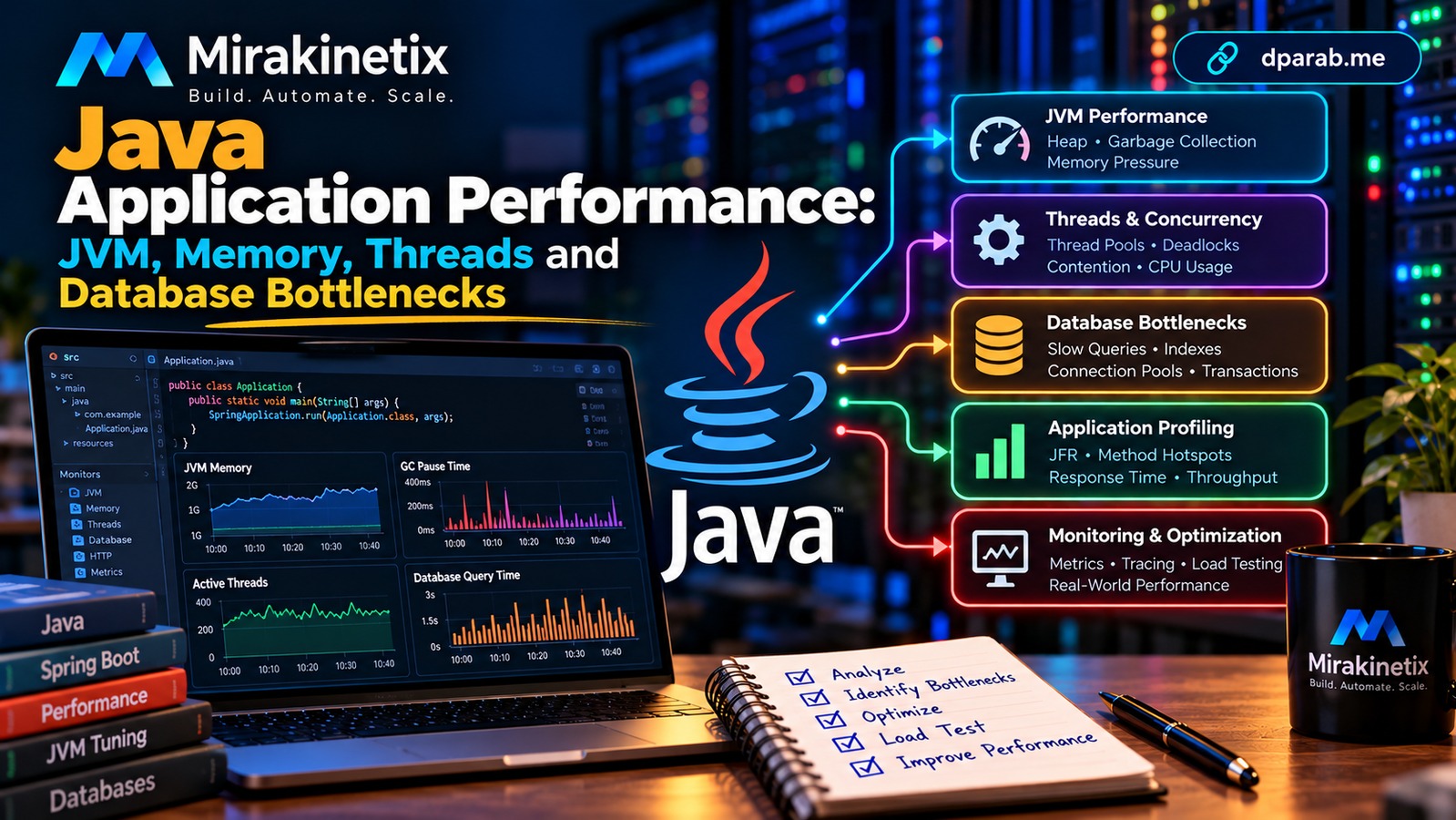
A Java application can have powerful hardware, a modern framework, and clean code yet still respond slowly under production traffic. The reason is often not a single programming mistake. Performance problems emerge from the interaction between JVM memory management, garbage collection, thread scheduling, database queries, connection pools, and external services.
For backend developers, senior engineers, technical leads, and architects, the objective is not simply to make code faster. It is to identify the actual bottleneck, measure its impact, and improve performance without compromising reliability or maintainability.
1. Start With Measurements, Not Assumptions
Before changing code or increasing server capacity, establish a baseline.
Measure:
Request throughput and error rate.
Average response time and p95/p99 latency.
CPU utilization and memory consumption.
Garbage collection frequency and pause duration.
Thread counts and blocked threads.
Database query latency and connection pool usage.
External API response times.
Average response time alone can hide problems. An API averaging 100 milliseconds might still take several seconds for a small percentage of users.
Use metrics to identify which layer is responsible before making changes.
2. Understand JVM Memory and Garbage Collection
The Java Virtual Machine manages memory for application objects. Excessive object creation, retained references, and unsuitable heap settings can lead to increased garbage collection activity and unpredictable latency.
Common warning signs include:
Frequent garbage collection cycles.
Long garbage collection pauses.
Increasing heap usage after each collection.
OutOfMemoryErrorexceptions.Container memory exhaustion or unexpected restarts.
Start by observing heap usage and garbage collection metrics. JVM tools such as Java Flight Recorder (JFR), Java Mission Control, and jcmd can help investigate memory allocation and runtime behavior.
For example, inspect available JVM information with:
jcmd <pid> GC.heap_infoReplace <pid> with the Java process ID.
Do not immediately increase the heap. A larger heap may reduce collection frequency, but it can also increase memory consumption and potentially lengthen some collection pauses. If objects are retained unnecessarily, increasing memory only postpones the problem.
Practical approach: identify allocation hotspots, investigate retained objects, review cache growth, and verify that memory usage stabilizes under realistic workloads.
3. Investigate CPU and Thread Contention
Java applications often handle concurrent requests using threads. Performance degrades when threads spend excessive time waiting for locks, database connections, network responses, or other shared resources.
Look for:
High CPU usage across application threads.
Threads blocked on synchronized sections.
Large numbers of waiting threads.
Thread pool exhaustion.
Deadlocks or repeated lock contention.
Capture a thread dump during the slowdown:
jcmd <pid> Thread.printReview thread states and stack traces. Repeatedly blocked threads may reveal a shared lock, while many threads waiting for database connections may indicate a pool or query problem rather than a threading problem.
Thread pools should reflect workload characteristics and downstream capacity. Increasing a pool size without investigating the bottleneck can create more contention and overload dependent services.
4. Find Slow Database Queries
Database performance is a frequent cause of slow Java APIs.
An endpoint might execute a query for every item in a collection, retrieve unnecessary columns, or load far more records than the user needs. ORM frameworks can make database access convenient, but they do not eliminate the need to understand generated SQL.
Consider a Spring Data JPA repository:
public interface OrderRepository
        extends JpaRepository<Order, Long> {

    List<Order> findTop20ByCustomerIdOrderByCreatedAtDesc(
        Long customerId
    );
}
This method expresses a bounded query for the latest 20 orders belonging to a customer. The actual SQL and execution plan should still be inspected.
Depending on the workload, a suitable composite index might be:
CREATE INDEX idx_orders_customer_created
ON orders (customer_id, created_at);
Validate the index with your database's execution-plan tools and production-like data. Indexes add storage and write overhead, so measure their benefit.
Also investigate N+1 queries, excessive eager loading, unbounded pagination, missing indexes, and long-running transactions.
5. Monitor Connection Pools
Database connection pools allow applications to reuse connections rather than creating one for every request.
However, a pool can become a bottleneck when requests hold connections for too long or the database cannot handle the requested concurrency.
Monitor:
Active and idle connections.
Threads waiting for a connection.
Connection acquisition timeouts.
Query execution duration.
Connection leaks and long transactions.
For example, HikariCP exposes useful pool metrics when metrics integration is configured.
Increasing the maximum pool size is not automatically the answer. If the database is already saturated, more connections may increase contention and make latency worse.
Tune the pool in relation to database capacity, application instance count, query duration, and expected concurrency.
6. Check External Services and Network Latency
An API may appear slow even when its own code is efficient.
Consider a request that calls a payment provider, retrieves customer data, and queries an internal service sequentially. If each dependency responds slowly, total request latency accumulates.
Set appropriate connection and read timeouts. Use bounded retries with backoff for transient failures, and avoid retrying non-idempotent operations without a safe mechanism.
Where appropriate, use caching, asynchronous processing, or parallel calls when dependencies are independent. These approaches should preserve ordering, consistency, and failure handling requirements.
7. Use Profiling to Find Expensive Code
Once metrics narrow the problem, use profiling to identify expensive methods, allocations, and blocking operations.
Java Flight Recorder is useful for examining CPU activity, allocations, garbage collection, thread behavior, and other runtime events with relatively low overhead when configured appropriately.
Avoid optimizing code solely because it looks inefficient. A complex method may consume little time, while a seemingly simple database call may dominate the entire request.
Prioritize changes based on measured impact and repeat the same workload after each significant modification.
8. Build Performance Observability Into Production
A production-ready Java service should expose enough information to detect degradation before users report it.
For Spring Boot applications, Actuator can provide health and metrics endpoints when the appropriate modules and configuration are enabled. Integrate these metrics with a monitoring system and protect operational endpoints from unauthorized access.
Track application latency alongside JVM, database, and infrastructure metrics. Distributed tracing can help connect a slow request to a specific database query or external dependency.
Alerts should focus on actionable symptoms, such as sustained latency increases, elevated error rates, exhausted connection pools, or repeated memory failures.
9. A Practical Performance Optimization Workflow
Use this sequence when investigating a slow Java application:
Reproduce: Establish the affected endpoint, workload, and conditions.
Measure: Capture latency percentiles, throughput, errors, and resource metrics.
Isolate: Determine whether the bottleneck is CPU, memory, threads, database, network, or a downstream service.
Profile: Use thread dumps, JFR, query plans, and traces to find the cause.
Optimize: Make one targeted change at a time.
Load-test: Compare results against the original baseline.
Validate: Confirm correctness, stability, and resource consumption.
Monitor: Observe the improvement under realistic production traffic.
Keep changes reversible and document the evidence behind important tuning decisions.
Common Performance Mistakes
Avoid these shortcuts:
Increasing heap size without investigating memory retention.
Increasing thread pools without measuring contention.
Adding indexes without examining query plans.
Increasing database connections without considering database capacity.
Caching data without defining expiration and invalidation behavior.
Running load tests that do not resemble production workloads.
Optimizing average latency while ignoring p95 and p99 response times.
Final Thoughts
Java performance engineering is a measurement-driven discipline. JVM tuning, garbage collection, thread management, database optimization, and connection pool configuration all matter, but none should be treated in isolation.
The most effective approach is to identify the bottleneck, collect evidence, make a targeted improvement, and measure the result.
Mirakinetix helps businesses build, automate, and scale reliable software systems. Visit dparab.me for practical engineering insights and Mirakinetix for software architecture, automation, performance optimization, and application security.
Build. Automate. Scale.


