
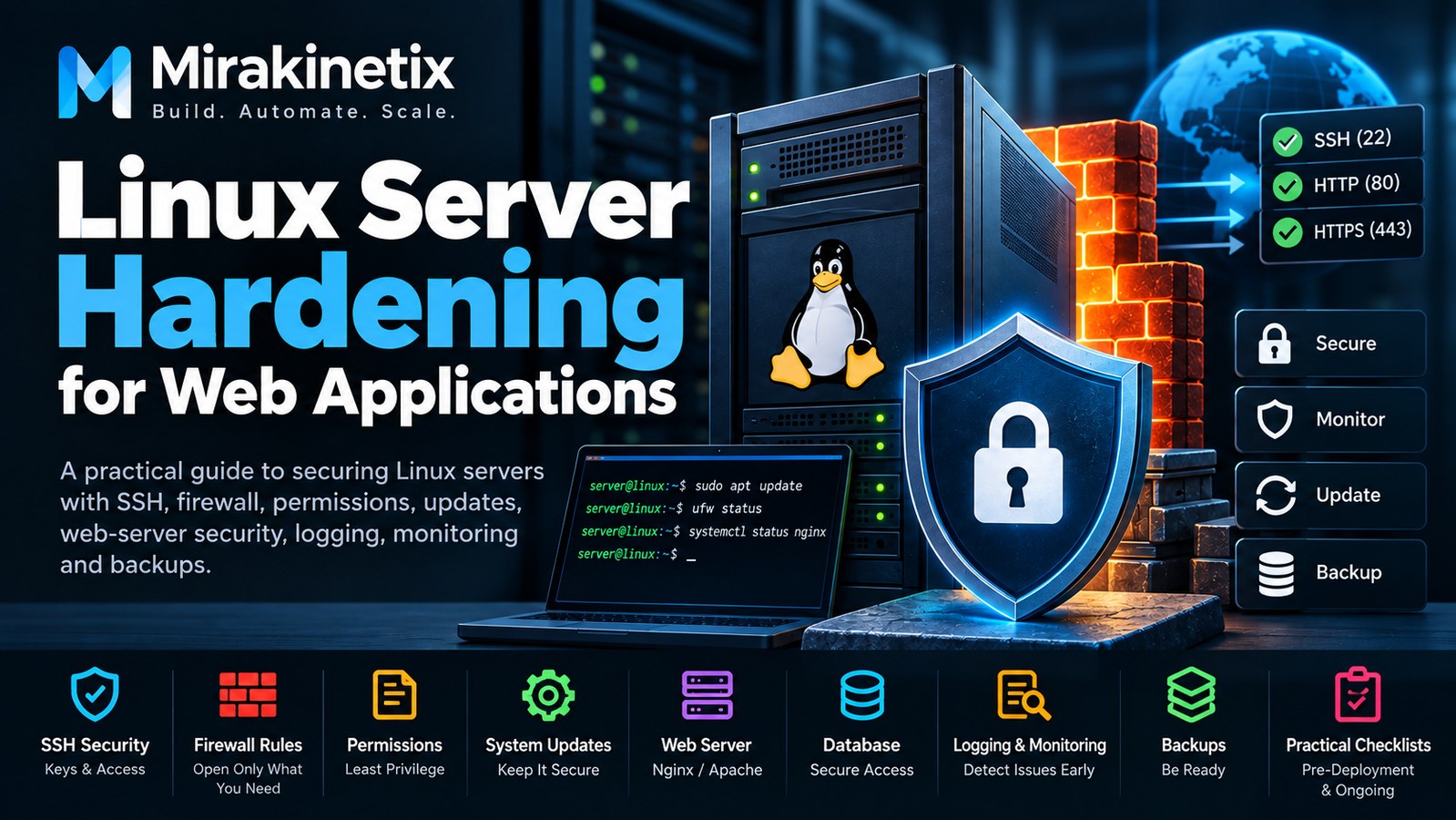
If you are running a production web application on Linux, securing the application itself is only part of the job.
Your Linux server is part of the application's attack surface. SSH, exposed ports, operating-system packages, web-server configuration, file permissions, database access, application secrets, and third-party dependencies all need to be considered.
A server can be running perfectly and still be unnecessarily exposed.
Server hardening is about reducing that exposure without making the system unnecessarily complicated to operate.
This guide covers practical Linux server hardening for web applications, from the initial server setup through ongoing production maintenance.
Start With a Minimal Server
The easiest service to secure is a service you do not run.
A production web server should ideally contain only the software required by the application and its supporting infrastructure.
Remove or disable services that are not required.
For example, if the server does not need:
FTP
Mail services
Desktop environments
Legacy network services
Unused database servers
Development tools
Temporary testing services
there is little reason to keep them running.
A smaller server footprint means fewer components to maintain and fewer potential attack surfaces.
Before deploying the application, establish what the server actually needs and remove everything else where practical.
Secure SSH First
SSH is one of the most important entry points to a Linux server.
Start by reviewing the SSH configuration and avoid allowing unnecessary access.
Important practices include:
Use SSH keys instead of passwords where practical.
Disable direct root login.
Use a dedicated administrative account.
Restrict SSH access where possible.
Keep OpenSSH updated.
Review authentication logs regularly.
Instead of logging into the server directly as root, use a dedicated administrative account with the required privileges.
This provides a better audit trail and reduces the risk associated with direct root access.
Changing the SSH port can reduce automated scanning noise, but it should not be treated as a replacement for proper authentication and access controls.
Apply the Principle of Least Privilege
Linux permissions should be deliberate.
A system administrator, deployment account, web server, queue worker, and database service do not necessarily need the same permissions.
Think about access in terms of roles:
Administrator
    ↓
System configuration

Deployment user
    ↓
Application deployment

Web server
    ↓
Application runtime

Database service
    ↓
Database files
Each account and service should receive only the permissions it actually needs.
Avoid solving permission problems by making everything writable.
Overly permissive permissions may make an application work temporarily, but they also increase the impact of a compromised process or account.
Configure the Firewall
A firewall should expose only the services that need to be reachable.
For a typical web server, this might mean:
22    SSH
80    HTTP
443   HTTPS
Everything else should remain blocked unless there is a specific requirement.
If MySQL is running on the same server as the application, there is usually no reason to expose MySQL's port publicly.
The same principle applies to Redis, internal APIs, queue services, monitoring interfaces, and other infrastructure components.
Do not ask:
"What ports can I open?"
Ask:
"Which ports does this server actually need to expose?"
That small change in thinking leads to a much smaller attack surface.
Keep Linux Updated
Security vulnerabilities are discovered continuously.
Keeping the operating system and installed packages updated is therefore one of the simplest hardening measures available.
Regularly review updates for:
Linux kernel
OpenSSH
OpenSSL
Nginx or Apache
PHP
MySQL
System libraries
Other production dependencies
However, production updates should be controlled.
Do not blindly update a production server without considering application compatibility, backups, testing, and rollback procedures.
The goal is not simply to update everything as quickly as possible. The goal is to maintain a secure and predictable production environment.
Secure the Web Server
Whether you use Nginx or Apache, review the web-server configuration carefully.
The web server should expose only the application's intended public directory.
For Laravel applications, for example, the document root should point to:
public/
and not the Laravel project root.
This prevents files such as configuration files, source code, and other internal project files from being directly exposed through the web server.
The same principle applies to other frameworks.
Only the files intended to be publicly accessible should be exposed.
Protect Environment Files and Secrets
Application configuration files frequently contain sensitive information.
For example, a Laravel .env file may contain:
Database credentials
API keys
Application secrets
Mail credentials
Third-party service credentials
These values should never be publicly accessible.
Make sure:
.envis not inside a publicly exposed directory..envis not committed to Git.File ownership and permissions are appropriately restricted.
Production secrets are managed securely.
Debug mode is disabled in production.
The same principle applies to SSH keys, cloud credentials, database passwords, API tokens, and other secrets.
A secret exposed through Git or a web server can be just as dangerous as a vulnerable application.
Disable Debug Mode in Production
Development environments benefit from detailed error messages.
Production environments do not.
Debug output can reveal:
File paths
Stack traces
SQL queries
Configuration details
Application internals
For Laravel:
APP_ENV=production
APP_DEBUG=false
Detailed errors should instead be written to controlled application logs.
After every production deployment, verify that debug mode remains disabled.
Review File Permissions
File permissions should be based on actual application requirements.
Pay particular attention to:
Application source code
Configuration files
Upload directories
Storage directories
Log files
Deployment files
Backup files
The web server may need write access to specific runtime directories, but that does not mean it needs write access to the entire application.
Avoid overly permissive permissions simply because they make an application easier to deploy.
Fix ownership and permissions according to the application's real requirements.
And never use 777 as a general-purpose solution for permission problems.
Secure File Uploads
File uploads are a common source of vulnerabilities.
If your application allows users to upload files, validate:
File type
File extension
MIME type
File size
Filename
Storage location
Never assume that a file called:
photo.jpg
is actually a harmless image.
Uploaded files should ideally be stored outside executable web directories or handled in a way that prevents uploaded content from being executed as server-side code.
This is particularly important for PHP applications.
Secure the Database
The database is one of the most valuable assets on a web server.
Use:
Strong database credentials
Dedicated database users
Least-privilege database permissions
Restricted network access
Regular backups
Monitoring
Encryption where appropriate
Your application generally does not need unrestricted database privileges.
For example, an application account should not automatically have administrative privileges over every database on the server.
If the database and application are on the same machine, keep the database listening on a private interface unless external access is genuinely required.
Review Running Services
Periodically inspect what is actually running on the server.
For example:
systemctl --type=service --state=running
can help identify active services.
You may discover services that were installed for testing or temporary requirements but are no longer needed.
Unused services should be removed or disabled where appropriate.
A server should not accumulate unnecessary software simply because it was useful at some point in the past.
Monitor Authentication Activity
Hardening is not only about configuration.
You also need to know what is happening on the server.
Monitor authentication activity for:
Failed SSH logins
Unexpected successful logins
New users
Sudo activity
SSH key changes
Configuration changes
Suspicious access patterns
Logs become particularly valuable when investigating an incident.
A properly hardened server with no useful monitoring can still leave you blind to what happened.
Protect Logs
Logs can contain sensitive information, but they are also essential for troubleshooting and security investigations.
Consider:
Appropriate file permissions
Log rotation
Retention policies
Centralized logging where appropriate
Monitoring
Backup of important logs
An attacker who gains access may attempt to delete or modify logs.
Where practical, important logs should be sent to a separate system so that compromising the application server does not automatically mean compromising every record of activity.
Use HTTPS
Production web applications should use HTTPS.
HTTPS protects data transmitted between the client and server and is essential for applications handling:
Login credentials
Personal information
Payment information
API requests
Authentication tokens
Use a valid TLS certificate and keep the TLS configuration maintained.
HTTP traffic should generally be redirected to HTTPS where appropriate.
Add Security Headers
Security headers provide another layer of protection at the web-application boundary.
Depending on the application, consider headers such as:
Content-Security-Policy
X-Content-Type-Options
Referrer-Policy
Strict-Transport-Security
The exact configuration should be based on the application's requirements.
Do not blindly copy a security-header configuration from another application without understanding its effect.
For example, an overly restrictive Content Security Policy can break legitimate application functionality if it has not been designed around the application's actual resources.
Protect Backups
A backup is part of your security strategy.
If an attacker compromises the production server and your backups are stored on the same machine, those backups may be compromised as well.
Consider keeping backups separately from the production server.
A useful backup strategy should address:
Database backups
Application data
Uploaded files
Configuration
Encryption
Retention
Recovery testing
Most importantly:
A backup that has never been restored is not a proven backup.
Regularly test restoration.
Review Dependency Security
Server security does not stop at the operating system.
Your application dependencies can also contain vulnerabilities.
For PHP applications using Composer:
composer audit
can help identify known security issues in dependencies.
The same principle applies to JavaScript packages and other application dependencies.
Dependency security should be part of the development and deployment process rather than something checked only after a vulnerability is announced.
Practical Linux Server Hardening Checklist
Server hardening should happen in two stages:
Pre-deployment hardening
Ongoing security and maintenance
This distinction is important because securing a server before launch is different from keeping it secure months later.
Pre-Deployment Hardening Checklist
Before putting a Linux server into production, verify the following.
Server Setup
Install only required software and services.
Remove unnecessary packages and services.
Create a dedicated administrative user.
Disable direct root SSH login.
Configure SSH key-based authentication.
Review SSH access restrictions.
Apply current operating-system security updates.
Firewall
Enable a host-based firewall.
Allow only required inbound ports.
Allow SSH only where required.
Allow HTTP (
80) if required.Allow HTTPS (
443) for web traffic.Keep database ports private unless external access is explicitly required.
Review the final firewall rules before going live.
Linux Permissions
Apply least-privilege permissions.
Review application file ownership.
Remove unnecessary write permissions.
Protect configuration and secret files.
Ensure the web server can write only where required.
Verify that no unnecessary directories are writable by the web server.
Web Server
Point the document root to the application's public directory.
Prevent access to environment and private configuration files.
Disable unnecessary directory listing.
Remove test and development files.
Configure HTTPS.
Configure appropriate security headers.
Verify Nginx or Apache configuration.
Test the application through HTTPS before launch.
Application
Disable production debug mode.
Protect application secrets.
Validate file uploads.
Prevent uploaded files from being executed as server-side code.
Review application dependencies for known vulnerabilities.
Configure application logging.
Verify authentication and authorization.
Test important security-sensitive application flows.
Database
Create a dedicated application database user.
Grant only required database privileges.
Keep MySQL inaccessible from the public internet unless explicitly required.
Use strong database credentials.
Configure database backups.
Test database connectivity using production configuration.
Logging, Monitoring, and Backups
Configure system logging.
Configure web-server logging.
Configure application logging.
Configure log rotation.
Configure basic server monitoring.
Configure database monitoring where required.
Create production backups.
Store backups separately from the production server.
Perform at least one successful backup restoration test.
Ongoing Security & Maintenance Checklist
After deployment, security becomes an ongoing operational responsibility.
Access Management
Review Linux user accounts periodically.
Remove accounts that are no longer required.
Review SSH authorized keys.
Review sudo permissions.
Remove obsolete administrative access.
Investigate unexpected authentication activity.
System Maintenance
Apply operating-system security updates regularly.
Keep OpenSSH updated.
Keep Nginx or Apache updated.
Keep PHP updated.
Keep MySQL updated.
Remove newly discovered unnecessary services.
Review installed packages periodically.
Application Security
Run dependency security checks regularly.
Keep application dependencies updated.
Review application logs.
Monitor authentication failures.
Review file-upload activity where applicable.
Check that production debug mode remains disabled.
Review application permissions after deployments.
Firewall and Network
Review firewall rules after infrastructure changes.
Remove obsolete ports and access rules.
Review externally exposed services.
Verify that database and internal services remain private.
Investigate unexpected


