
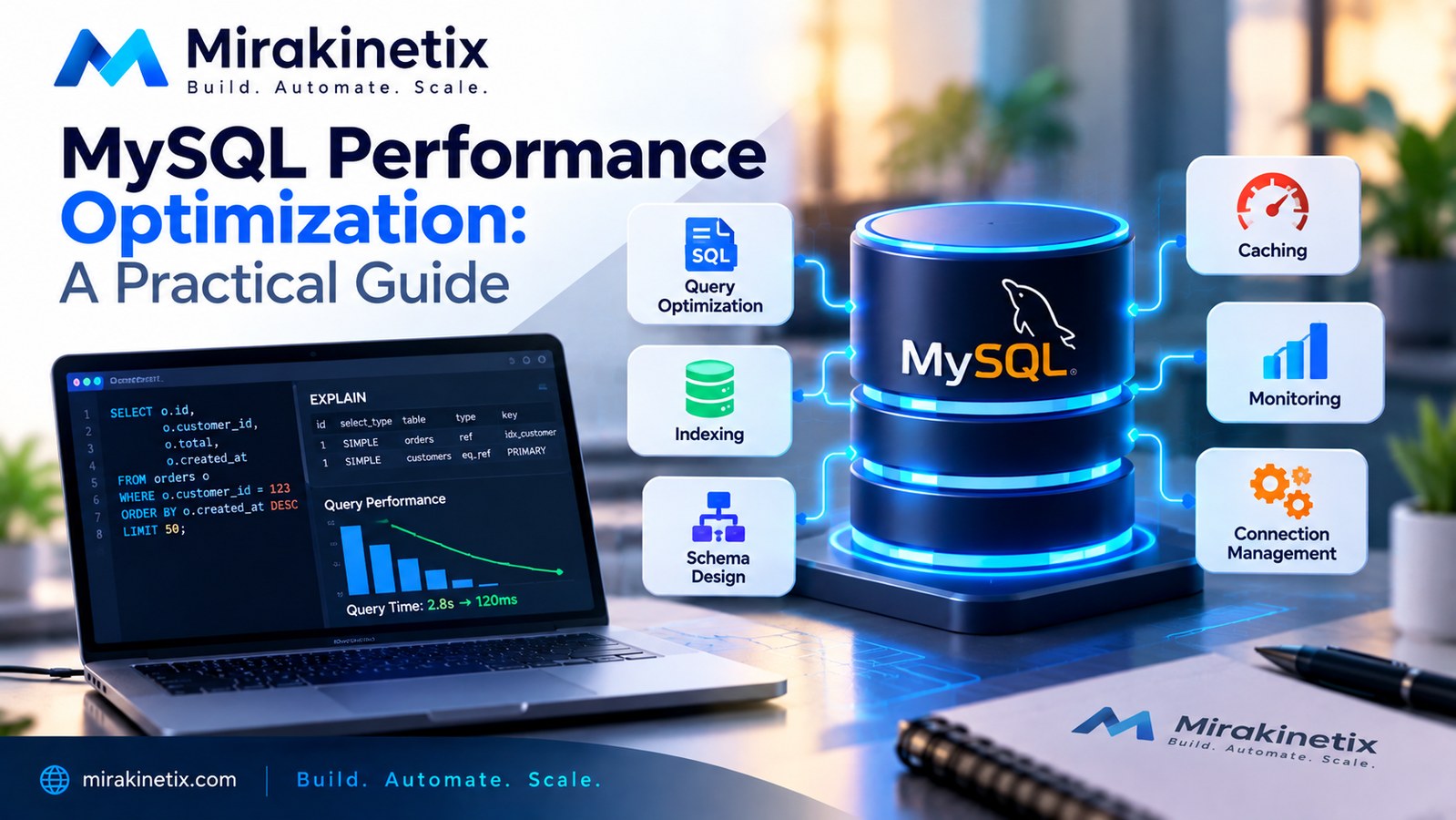
MySQL Performance Optimization: A Practical Guide
Introduction
A slow application is not always caused by slow application code.
In many production systems, the database becomes the bottleneck long before the application server runs out of CPU or memory.
A page that takes five seconds to load may ultimately be waiting on a database query. An API that handles only a small number of requests per second may be spending most of its time reading data. A background job that normally completes in seconds can suddenly take minutes when the database is under load.
For developers, this creates an important lesson:
Database performance should be treated as part of application architecture, not as an afterthought.
MySQL performance optimization isn't about finding one magic configuration setting.
It is about understanding how queries, indexes, schema design, connections, caching, transactions, and infrastructure interact.
This guide focuses on practical techniques developers can use to identify and eliminate common MySQL performance problems.
Start by Measuring the Problem
The first rule of performance optimization is simple:
Don't optimize what you haven't measured.
The goal is to find the actual bottleneck before changing the system.
Look at:
Slow database queries
Query execution time
Number of queries per request
Database CPU usage
Memory usage
Disk I/O
Connection counts
Lock contention
Rows examined
Rows returned
Application-level monitoring can also reveal whether database calls are responsible for slow requests.
Use EXPLAIN
One of the most useful tools available to a MySQL developer is EXPLAIN.
Consider:
SELECT *
FROM orders
WHERE customer_id = 123
ORDER BY created_at DESC;
Instead of guessing how MySQL will execute the query, inspect the execution plan:
EXPLAIN
SELECT *
FROM orders
WHERE customer_id = 123
ORDER BY created_at DESC;
The execution plan can provide information about:
Which indexes are considered
Which index is selected
How many rows MySQL expects to examine
Join strategies
Whether sorting is required
Whether temporary tables may be involved
Understanding EXPLAIN is one of the most valuable skills for anyone working with MySQL in production.
Indexes Are Critical
Indexes allow MySQL to locate data without scanning an entire table.
Suppose you frequently run:
SELECT *
FROM users
WHERE email = 'user@example.com';
An index on email can dramatically reduce the amount of data MySQL needs to inspect:
CREATE INDEX idx_users_email
ON users(email);
But indexes are not free.
Every index consumes storage and can increase the cost of INSERT, UPDATE, and DELETE operations.
The objective is not to create indexes everywhere.
The objective is to create indexes that support the queries your application actually runs.
Understand Composite Indexes
Many production queries filter on more than one column.
For example:
SELECT *
FROM orders
WHERE customer_id = 123
AND status = 'pending';
A composite index may be more appropriate than separate indexes:
CREATE INDEX idx_orders_customer_status
ON orders(customer_id, status);
Column order matters.
A composite index should be designed around the access patterns of the queries that use it.
Don't assume that (customer_id, status) and (status, customer_id) are interchangeable in every workload.
Avoid SELECT *
Using SELECT * is convenient during development.
It can become expensive in production.
If a query only needs three columns, request those three columns:
SELECT id, name, email
FROM customers
WHERE id = 123;
This can reduce the amount of data transferred and processed, particularly when tables contain large columns.
It also makes the application's data requirements clearer.
Watch for N+1 Queries
One of the most common application-level database problems is the N+1 query pattern.
Imagine loading 100 orders and then executing another query for the customer associated with each order.
Instead of:
1 query for orders
+
100 queries for customers
=
101 queries
the application should retrieve the required relationships more efficiently.
Frameworks such as Laravel provide eager loading mechanisms for this purpose:
$orders = Order::with('customer')->get();
The exact implementation depends on the application, but the principle is universal:
Don't repeatedly query the database for information you could retrieve efficiently in a smaller number of queries.
Optimize Joins Carefully
Joins are powerful, but poorly designed joins can become expensive.
For example:
SELECT orders.id, customers.name
FROM orders
JOIN customers
    ON customers.id = orders.customer_id;
Make sure columns used in joins are appropriately indexed.
Also examine the execution plan instead of assuming that a join is expensive simply because it joins multiple tables.
A well-indexed join can be significantly more efficient than retrieving records separately and combining them in application code.
Don't Ignore Sorting
Sorting large result sets can become expensive.
Consider:
SELECT id, name
FROM users
ORDER BY created_at DESC;
If the database must scan a large number of rows and then sort them, the query can become increasingly expensive as the table grows.
Indexes can sometimes help MySQL satisfy both filtering and ordering requirements.
This is another reason to design indexes based on actual query patterns rather than creating isolated indexes on individual columns without considering how they are used together.
Use Pagination
Returning thousands of rows to an application is rarely a good idea.
Instead of:
SELECT *
FROM orders
ORDER BY created_at DESC;
use pagination when the application doesn't need the entire dataset at once:
SELECT id, customer_id, total, created_at
FROM orders
ORDER BY created_at DESC
LIMIT 50;
For very large datasets, developers should also consider pagination strategies carefully.
Offset-based pagination can become increasingly expensive for deep pages.
Cursor-based or keyset pagination can be more efficient for certain workloads.
Be Careful With Large Transactions
Transactions are essential for maintaining data consistency.
However, keeping transactions open for unnecessarily long periods can create problems.
Long-running transactions may:
Hold locks
Increase contention
Delay other operations
Increase resource usage
Make failures more expensive
Keep transactions focused on the operations that actually need atomicity.
Avoid performing unrelated network requests or slow application operations while holding a database transaction open.
Connection Management Matters
Applications need database connections to communicate with MySQL.
Creating and destroying connections unnecessarily can add overhead.
At the same time, opening too many concurrent connections can overwhelm the database server.
Monitor:
Active connections
Connection limits
Connection wait time
Connection errors
Application worker counts
Database connection settings should be designed alongside application concurrency.
Adding more application workers does not automatically increase throughput if the database cannot handle the additional connections.
Use Caching Strategically
Not every request needs to query MySQL.
Frequently accessed data that changes relatively infrequently may be good candidates for caching.
For example:
Application
     ↓
Cache
     ↓
MySQL
A cache can reduce repeated database reads and improve response times.
Redis is commonly used for this purpose.
However, caching introduces another problem:
cache invalidation.
A cached value is useful only if the application can determine when it needs to be refreshed or invalidated.
Don't add caching simply because a query is slow.
First understand why the query is slow.
A properly indexed query may be a better solution than introducing another layer of infrastructure.
Avoid Unnecessary Database Queries
Sometimes the easiest database optimization is eliminating the query completely.
For example, an application might repeatedly ask the database for configuration information that rarely changes.
That information could potentially be loaded once and cached.
Similarly, don't execute a query inside a loop when the required information can be loaded in one operation.
Review application code around database calls, not just the SQL itself.
Keep Tables and Data Types Appropriate
Schema design affects performance.
Choose data types based on the actual data requirements.
Avoid using unnecessarily large data types when smaller types are sufficient.
The same principle applies to strings.
Don't automatically use large text fields when a bounded string is sufficient.
Good schema design can reduce storage requirements and improve the amount of useful data MySQL can process efficiently.
Monitor Slow Queries
Production systems should provide a way to identify slow queries.
MySQL provides mechanisms for capturing slow queries through the slow query log.
This can help identify queries that require attention under real workloads.
A useful optimization cycle is:
Measure
   ↓
Identify Slow Query
   ↓
EXPLAIN
   ↓
Optimize Query / Index
   ↓
Test
   ↓
Measure Again
This process is much more reliable than making random configuration changes.
Don't Tune MySQL Configuration Blindly
Developers sometimes jump directly into server configuration.
They change buffer sizes, connection limits, cache settings, or other MySQL parameters without first understanding the workload.
This can make troubleshooting more difficult.
Database configuration should be based on:
Available memory
CPU resources
Storage performance
Query patterns
Connection concurrency
Dataset size
Read/write workload
Transaction behavior
A configuration that works well for one workload may be inappropriate for another.
Test With Realistic Data
A query that performs well against 1,000 rows may behave very differently against 10 million rows.
Performance testing should therefore use data volumes that resemble production where practical.
Test:
Small datasets
Large datasets
Concurrent requests
Heavy read workloads
Heavy write workloads
Peak traffic scenarios
The objective is to understand how the system behaves as it grows.
Database Performance Is an Application Concern
Database optimization should not be isolated to the database administrator.
Developers influence database performance through:
Query design
ORM usage
Schema design
Index selection
Transaction boundaries
Caching
Pagination
Application architecture
A developer who understands how MySQL executes queries can often prevent performance problems before they reach production.
Final Thoughts
MySQL performance optimization is not about finding one magic setting.
It is a continuous engineering process.
Start by measuring.
Find the actual bottleneck.
Use EXPLAIN to understand query execution.
Design indexes around real access patterns.
Avoid unnecessary queries.
Watch for N+1 problems.
Keep transactions focused.
Use caching where it provides measurable value.
Monitor production workloads.
And most importantly, optimize based on evidence rather than assumptions.
A fast database is not simply the result of powerful hardware.
It is the result of good queries, thoughtful schema design, appropriate indexes, efficient application architecture, and continuous measurement.
When developers treat the database as a first-class part of application architecture, performance problems become much easier to identify—and much easier to prevent.


