
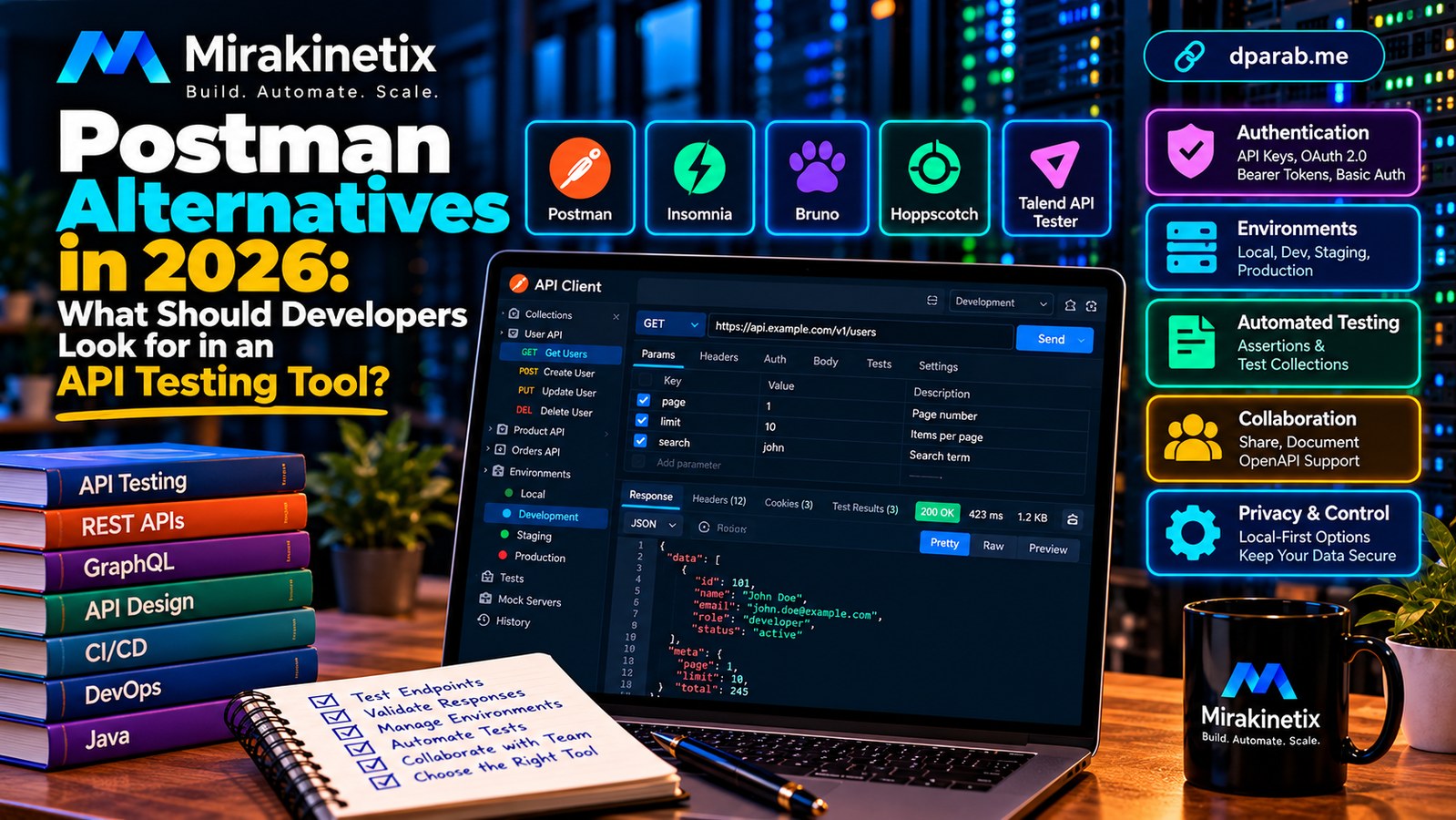
API Testing Is More Than Sending a Request
APIs connect web applications, mobile apps, databases, payment systems, and third-party services. When an API fails, the problem can affect an entire application.
Developers therefore need tools that do more than send an HTTP request and display a response. A good API testing tool should help them reproduce bugs, manage authentication, validate responses, automate tests, and understand how an application behaves across environments.
Postman is a familiar option, but it is not the only choice. The right alternative depends on how you work, what your team needs, and how much control you want over your development workflow.
The goal should not be to choose the tool with the longest feature list. It should be to choose the tool that makes API development reliable, repeatable, and secure.
1. Start With the Fundamentals
Every API testing tool should make the basics straightforward.
Look for support for common HTTP methods such as GET, POST, PUT, PATCH, and DELETE, along with headers, query parameters, request bodies, cookies, and response inspection.
For everyday debugging, the interface should make it easy to inspect:
HTTP status codes and response headers.
JSON, XML, text, and other relevant response formats.
Request duration and response size.
Error messages and server responses.
The exact request sent to the server.
These capabilities sound ordinary, but a confusing interface can slow down even experienced developers.
For REST APIs, JSON support is particularly useful. Depending on your stack, you may also need GraphQL, WebSocket, or other protocol support. Confirm that the tool supports the protocols your applications actually use rather than assuming every API client handles them equally well.
2. Authentication Must Be Practical and Secure
Authentication is one of the most important features in an API testing workflow.
Real applications commonly use API keys, Basic authentication, bearer tokens, OAuth 2.0, or other mechanisms. A useful tool should make these credentials easy to configure without encouraging developers to hardcode secrets.
Evaluate whether it supports:
Reusable authentication settings.
Token variables and refresh workflows where appropriate.
Secure handling of credentials.
Clear separation between development, staging, and production.
Safe sharing of requests without exposing private tokens.
Never commit live credentials to a public repository. Environment files containing secrets should be excluded from version control, and shared examples should use placeholders.
A tool that makes authentication easy but secret management confusing can create unnecessary security risks.
3. Environment Management Saves Time
Developers frequently test the same API against local, development, staging, and production environments.
The request may remain identical while the base URL, credentials, or configuration changes. Environment variables allow these values to be managed separately.
For example, a local API might use:
base_url = http://localhost:8000A staging environment could use a different base URL without requiring every request to be edited manually.
Look for support for environment-specific variables, reusable collections, and predictable variable precedence. The interface should make it obvious which environment is active.
Production environments deserve additional protection. A convenient environment selector should not make it easy to send destructive requests to the wrong server.
4. Automated Testing Separates Good Tools From Basic Clients
Sending requests manually is useful during initial development, but manual checks become inefficient as an application grows.
A stronger tool lets you define assertions against responses. For example, a test might verify that an endpoint returns HTTP 200, that a JSON response contains a required field, or that a returned value meets a business rule.
Useful capabilities include:
Reusable test assertions.
Collections or suites of related requests.
Data-driven testing.
Repeatable execution.
Clear failure reports.
Integration with command-line tools and CI/CD pipelines.
Automation matters because API regressions can occur long after a request was first tested successfully.
For example, a Laravel application might return the expected customer data today, then accidentally expose an additional field after a future code change. Automated assertions and security-focused tests can help detect such regressions.
However, response checks alone cannot guarantee application security. Authorization, validation, and business rules still need dedicated tests.
5. Local-First Workflows and Data Privacy
Not every team wants its API development workflow to depend on a cloud account or remote workspace.
A local-first tool can be attractive when developers work with sensitive systems, restricted environments, or proprietary API definitions. It can also make offline development more practical.
Before choosing a tool, understand where your data goes:
Are requests processed locally or through a remote service?
Are request histories or collections synchronized to a cloud account?
How are credentials stored?
Can team members work without an internet connection?
Are telemetry and data-sharing controls clearly documented?
Local execution does not automatically make a tool secure. A local application can still store secrets insecurely or send information to external services.
Evaluate the actual architecture and configuration instead of relying solely on the phrase "local-first."
6. Collaboration, Documentation, and Open Standards
Individual developers and large teams have different needs.
A solo developer may prioritize a lightweight interface and fast request execution. A larger team may need shared collections, change history, access controls, documentation, and consistent workflows across multiple developers.
OpenAPI support is particularly useful because API definitions can document endpoints, parameters, request bodies, and responses in a format that other tools can consume.
Check whether a tool can import or export the formats your team already uses. Migration becomes easier when requests and API definitions are portable rather than locked into one application's proprietary storage format.
Also consider the cost of collaboration features. Some capabilities may depend on paid plans, cloud accounts, or organizational policies. Check current licensing and plan limits before making a decision.
7. Where Does Callsmith Fit?
At Mirakinetix, Callsmith is an ongoing open-source project exploring an alternative approach to API development and testing.
Repository: Mirakinetix Callsmith on GitHub
Callsmith is intended to explore a local-first API development and testing workflow. It is still under development, so it should not be treated as a finished, production-ready replacement for established API clients.
If you evaluate the project, inspect its current README, implemented features, build instructions, and issue tracker. Distinguish what works today from planned functionality, and test it against your own requirements.
Open-source projects also give developers an opportunity to inspect implementation details, report defects, suggest improvements, and contribute code. That can be valuable, but openness alone does not guarantee security, maintenance, or feature parity.
The objective is to build software that solves practical problems, not to claim superiority over existing products without evidence.
8. A Simple Evaluation Checklist
Before switching tools, run a small proof of concept with representative APIs from your own work.
Check whether the tool can:
Send the requests and protocols you need.
Handle your authentication mechanisms safely.
Switch between environments reliably.
Validate responses and execute repeatable tests.
Integrate with your development and CI/CD workflows.
Import or export the data you already maintain.
Meet your privacy, collaboration, and licensing requirements.
Remain maintainable as your project grows.
Test difficult scenarios, not just a successful GET request. Include expired tokens, invalid input, server errors, large responses, and endpoints that require different permissions.
A short evaluation based on actual workflows is more useful than choosing a tool solely because it looks impressive in a demonstration.
Choose the Tool That Fits Your Engineering Workflow
There is no universal winner among API testing tools. Established platforms may offer mature collaboration and extensive integrations, while smaller or local-first alternatives may better suit particular workflows.
The best choice is the one that supports your development process without introducing unnecessary complexity, security risks, or costs.
For developers, API testing should be a repeatable engineering practice rather than an occasional manual task. For teams building their own tools, the opportunity is to make that practice simpler, safer, and more accessible.
At Mirakinetix, we are exploring these ideas through Callsmith while continuing to develop and evaluate the project.
Choose deliberately, test with real workloads, and let engineering requirements—not feature-list hype—drive the decision.


