
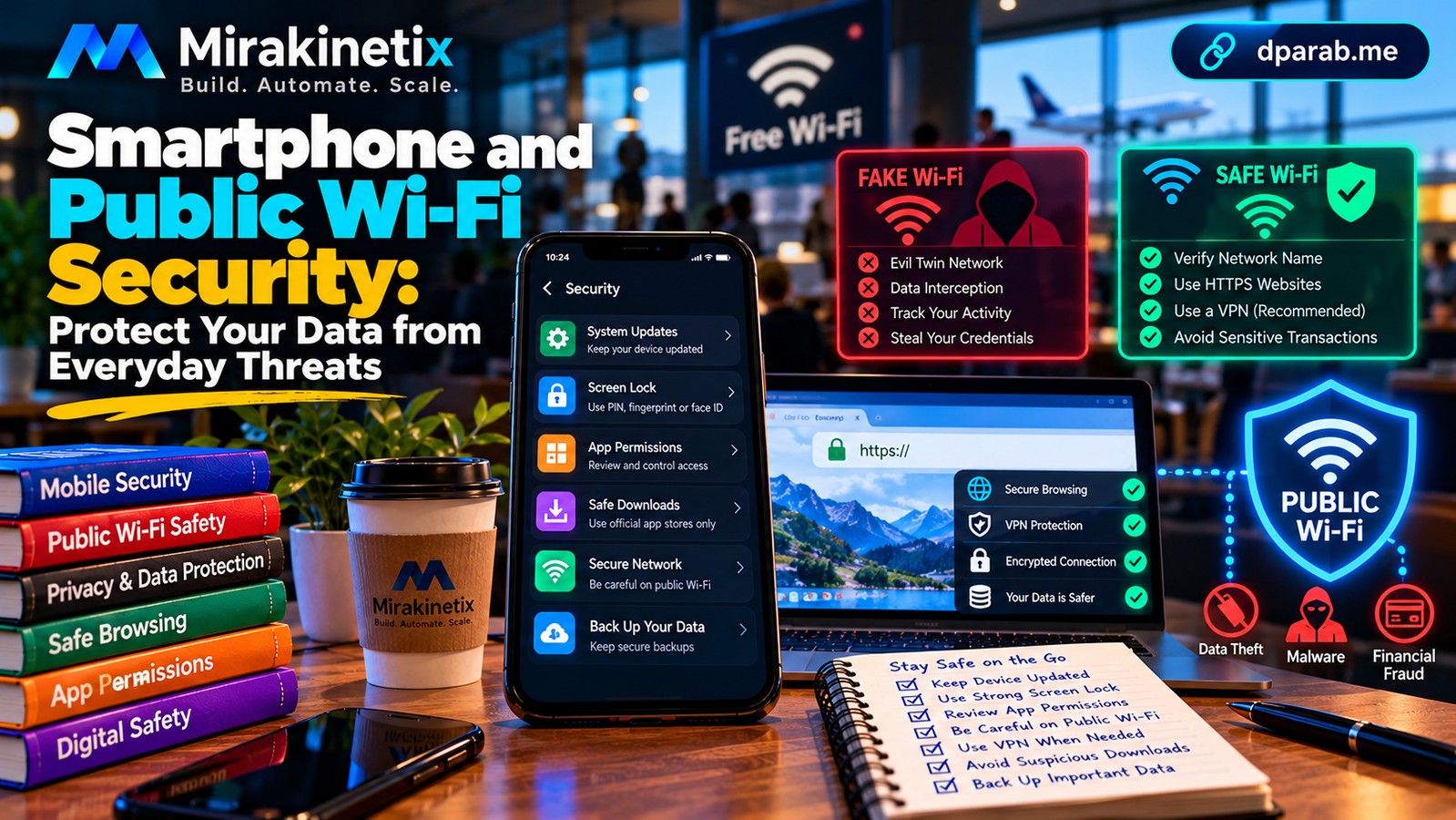
Your Phone Is a Digital Identity Hub
A modern smartphone is more than a communication device. It may contain your email, payment applications, photographs, identity documents, authentication codes, and access to cloud accounts.
If someone gains control of your phone or the accounts connected to it, the consequences can extend well beyond the device itself.
Fortunately, a few practical habits can significantly reduce your exposure.
1. Keep Your Operating System Updated
Security updates address vulnerabilities that attackers may exploit.
Enable automatic updates where appropriate and install updates for your operating system, browser, and applications promptly. Avoid using devices that no longer receive security support for sensitive activities when a supported alternative is available.
Download updates through official system settings or trusted sources. Avoid unofficial downloads claiming to provide urgent security fixes.
2. Use a Strong Screen Lock
Protect your phone with a sufficiently strong PIN or password. Enable biometric authentication, such as fingerprint or facial recognition, where appropriate.
Avoid easily guessed PINs based on birthdays, repeated digits, or other publicly available information.
Configure automatic screen locking and review lock-screen notifications so that sensitive message previews and authentication codes are not unnecessarily visible.
3. Review Application Permissions
Applications may request access to your camera, microphone, contacts, location, photographs, or files.
Some permissions are necessary for an application's function; others may be excessive.
Review permissions periodically and revoke access that is no longer needed. Be particularly cautious about unfamiliar applications requesting accessibility privileges, notification access, or extensive device-control capabilities.
Remove applications you no longer use, especially those installed outside trusted distribution channels.
4. Download Applications Carefully
Use official application stores and examine the developer, reputation, and requested permissions before installing an application.
Be cautious when someone asks you to install an APK sent through a messaging application, particularly if the explanation involves receiving a refund, resolving a banking issue, or completing a job application.
An official store does not guarantee that every application is safe. Continue to review permissions, updates, and unexpected behaviour.
5. Understand the Risks of Public Wi-Fi
Public Wi-Fi is convenient in airports, hotels, cafés, and other shared spaces. However, attackers may operate deceptive hotspots, attempt to intercept poorly protected traffic, or exploit vulnerable devices.
Modern HTTPS encryption protects much of the information exchanged with legitimate websites, so public Wi-Fi is not automatically unsafe. The risks depend on the network, device, applications, and attack.
When using public Wi-Fi:
Verify the network name with the establishment's staff.
Avoid ignoring browser certificate warnings.
Keep your device and applications updated.
Use your mobile connection for sensitive activities when practical.
Avoid accessing sensitive accounts on devices you do not control.
A reputable VPN can help protect traffic between your device and the VPN provider on an untrusted network. However, it does not make phishing websites, malware, or fraudulent applications safe.
6. Disable Unnecessary Automatic Connections
Configure your phone or laptop to avoid automatically joining unknown Wi-Fi networks.
Turn off Bluetooth, personal hotspots, or other wireless features when you do not need them, particularly in unfamiliar environments.
These measures reduce unnecessary exposure, although they are not substitutes for software updates and secure account settings.
7. Protect Your SIM and Mobile Number
Your phone number may be used for password recovery, banking alerts, and account verification.
Protect your mobile account with the safeguards offered by your telecom provider. Be alert to sudden loss of mobile service that you cannot explain, unexpected SIM-related messages, or unusual account changes.
If you suspect SIM swapping or an unauthorized number transfer, contact your telecom provider promptly. Secure accounts that rely on that number and contact your bank if financial services may be affected.
8. Back Up Important Information
Back up photographs, documents, and other important data to a trusted location. Use appropriate account security and test whether you can restore the information.
For particularly sensitive files, consider encrypted backups and ensure that recovery credentials are protected.
Maintain backups that are not continuously exposed to the same device or account. This can help protect against ransomware, accidental deletion, device failure, and account compromise.
A backup is useful only if it remains accessible when you need it and can be restored successfully.
9. Use Public Computers Carefully
Avoid saving passwords on shared computers or leaving accounts signed in after use.
Never assume that a public computer is free from monitoring software. For sensitive activities, use a device you control whenever possible.
If you must sign in, use the service's official website, avoid saving credentials, sign out fully, and review your account sessions afterward.
10. What to Do If Your Phone Is Compromised
If you suspect a malicious application or unauthorized access, act promptly.
Stop using the device for banking and other sensitive activities.
Disconnect it from networks if active compromise is suspected and doing so is appropriate.
From a separate trusted device, secure important accounts and revoke unfamiliar sessions.
Contact your bank if payment information or banking access may be exposed.
Seek trusted technical assistance to investigate and clean or rebuild the device.
Restore data only from backups you trust.
If money has been lost to suspected cyber fraud in India, contact your bank immediately and call 1930 promptly. You can also report the incident at https://cybercrime.gov.in.
Final Thoughts
Smartphone security depends on several layers working together: updates, screen locks, careful application choices, secure accounts, safe browsing, and reliable backups.
Public Wi-Fi is not inherently dangerous, and a VPN is not a magic shield. The goal is to understand the risks and make sensible decisions.
Treat your smartphone as a key to your digital life. Protect the device, protect the accounts, and control what you install.


